You can access your Email account directly from Webmail.
1. Open http://example.com/webmail, replace example.com with your domain name, enter your full email address and password in user login details, and click on Login.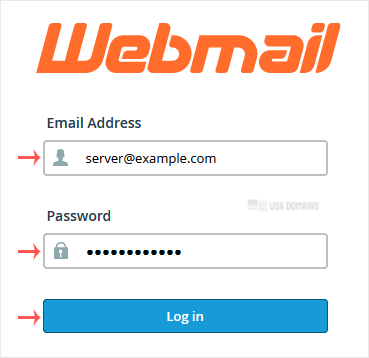
2. From the cPanel's Webmail Page, click on any Webmail email reader such as Roundcube, or any other available application.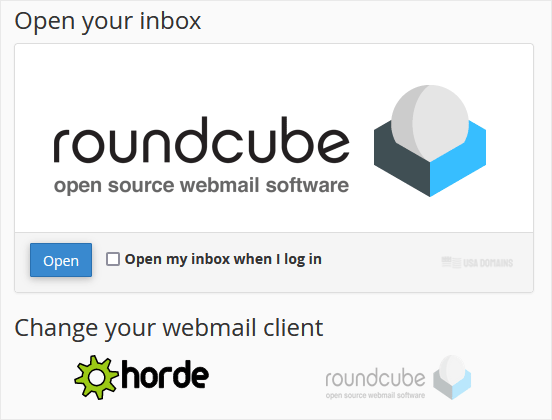
Use the Webmail Email Reader to read your email.
Artículos más populares
How to Change an Email Account's Password in cPanel
You can change your email account's password through the following steps: 1. Log in to your...
How to Create an Email Autoresponder When You Are on Vacation
If you are on holiday or you will be unavailable for a few days or a month, you can create an...
How to Forward an Email to Gmail or Other Email Service Providers
Want to keep all your emails in one place? Forwarding helps you stay organized and never miss a...
How to Create an Email Account in cPanel
To create a new email address, perform the following steps: 1. Log in to your cPanel account....